


FP Markets Login – Sign in to your trading account
Managing a registered and verified account with a broker like FP Markets naturally involves logging into the user dashboard. This dashboard serves as the central hub for account management, deposits, withdrawals, and accessing trading platforms. While logging into an account might seem like a straightforward process, akin to signing into any online service, there are important nuances to consider—especially when dealing with a financial services provider where security, accessibility, and functionality are paramount.
FP Markets provides access to its dashboard across multiple devices—desktop, mobile phones, and tablets—ensuring flexibility for traders to manage their accounts and trade on the go. However, the process and features available vary slightly depending on the device
Login to FP Markets account via Desktop
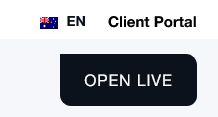
To log in to your FP Markets live or demo account, go to the broker’s website and click on the Client Portal tab located in the top right corner of the interface.
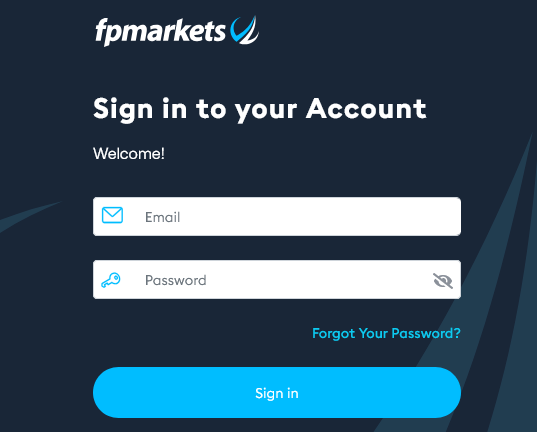
On the page that opens, you must enter the email you registered with and the password you created when you registered. Then click Sign in.
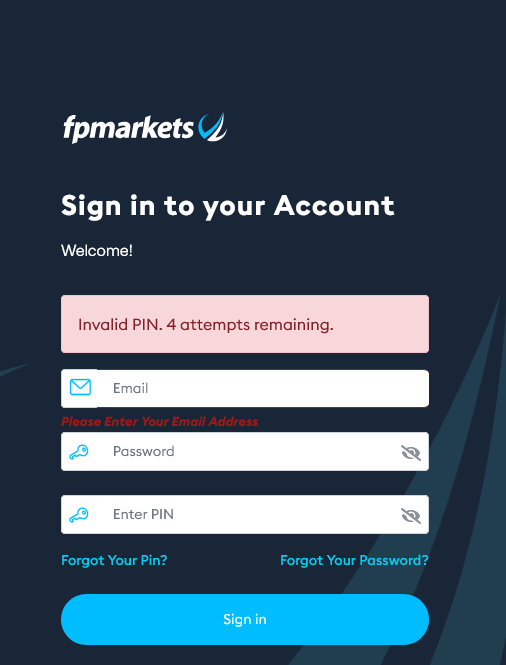
Some time after initial registration FP Markets requires you to create additional verification credentials such as a PIN and Security Question. Once you have a PIN, it will be required upon login. The option to enter your PIN appears after you have completed the above login steps. Once you have entered your PIN click Sign in again to log into the Client Portal.
Login to FP Markets account via Mobile App
FP Markets has its own mobile app that can be used to manage your accounts, including registering a new account. In addition to this, you can use the mobile apps of the MetaTrader 4 (MT5), MetaTrader 5 (MT5) and cTrader platforms to manage the trading activities of your accounts.
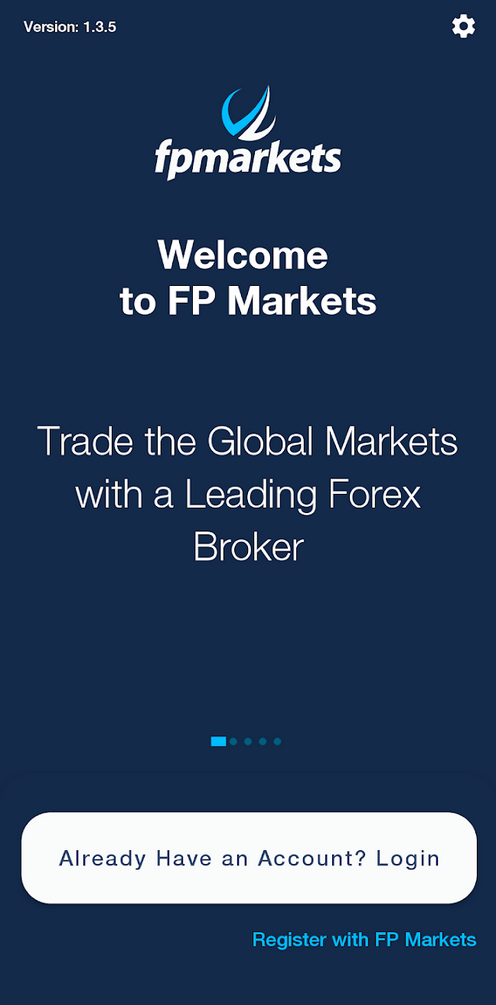
Once you have installed the FP Markets mobile app on your Android or iOS mobile device and launched it, you need to click on the “Already have an account? Log in” link, located on the home screen. A screen then appears where you can enter your email and password.
To log in to your MT4/МТ5 trading account with this broker, you must first download the relevant MetaTrader mobile app from Google Play or Apple Store. The first time you download the app, you are required to agree to the Terms of Use. Once you do, an option to register a MetaTrader demo account appears. When you close this window you get to the menu where you need to enter the name of the broker you registered an account with. A list of demo and live servers should then appear, and you should select the one your trading account is linked to.
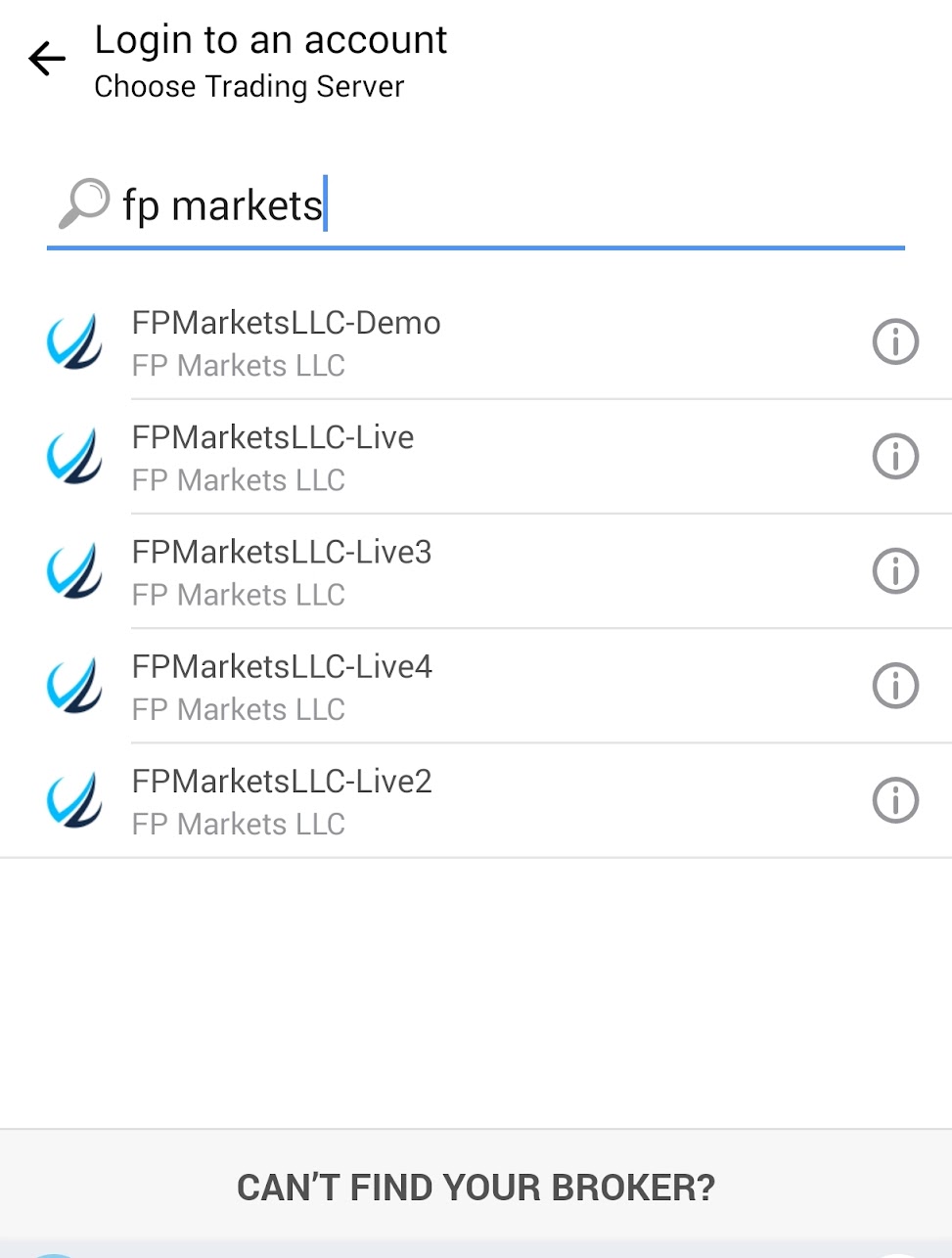
Once you have selected the relevant option, you need to enter your MetaTrader account number and the corresponding trading password, which is provided by the broker. After that, you just need to press Sign In. The MT4/МТ5 mobile apps allows you to manage multiple trading accounts with different brokers. When launching the application, you need to select the account for the respective broker.
If you are using cTrader accounts, you should find the branded version of the app – FP Markets cTrader – in Google Play or Apple Store. After installation and initial launch of the application, a new cTrader ID registration screen appears. To log in to your FP Markets cTrader account, click the Already have cTrader ID? link at the bottom of the screen.
In the screen that opens, enter the email and password that you are registered with in FP Markets. Unlike MetaTrader, cTrader does not require an account number when logging in. If you have more than one demo or live cTrader account in FP Markets, you will be able to switch between them after logging into the application. Switching is done via a drop-down menu at the top of the interface.
Forgotten password?
The most important rule for online security of your personal data is to use different passwords for your accounts on websites, emails, platforms and so on. This is especially important for accounts through which you manage funds.
This, of course, leads to the risk of forgetting or getting wrong the password you need to log in to a particular online account. Since it’s not advisable or convenient to keep your passwords written down in a notebook, many people use password managers or the built-in functionality of modern browsers and mobile apps to remember your login credentials and enter them automatically. But it also poses security risks, and it doesn’t work if you need to log in from a new device and you’ve forgotten your password.
The FP Markets forgotten password procedure is straightforward and requires you to have access to the email you are registered with. Click the Forgot Your Password? link located on the login screen. On the next screen, enter the email and click the Send Password Reset Link.
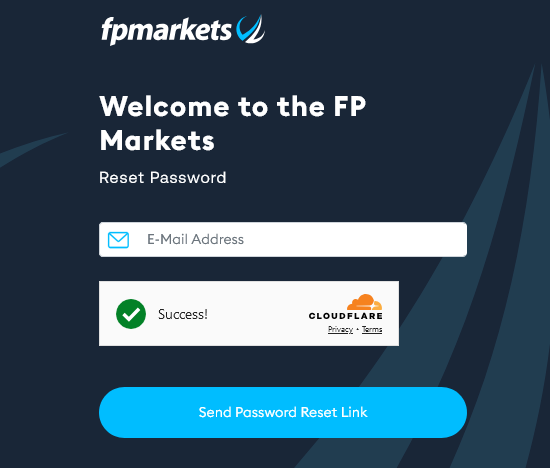
If you have forgotten your PIN, you should also click the Forgot Your Pin? In the screen that appears, enter your email and click Confirm.
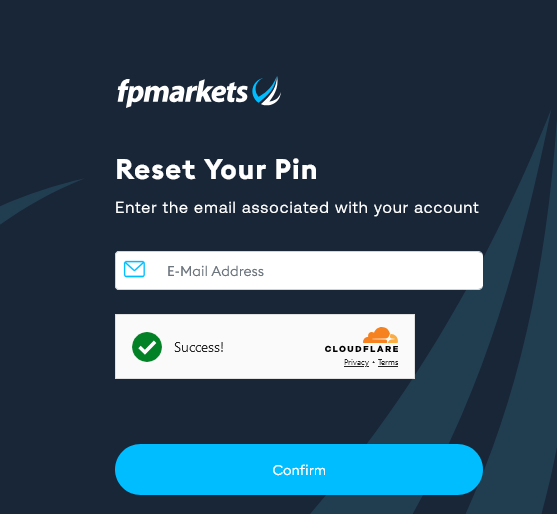
Then open the email sent by the broker and follow the instructions. The procedure for generating a new password or PIN requires you to answer the Security Question you specified when you registered.


