




AvaTrade Login – Sign in to your trading account
Accessing a registered and verified account with a forex broker like AvaTrade is a fundamental step for managing trading activities. The account dashboard acts as the central hub for overseeing deposits, withdrawals, account settings, and direct access to trading platforms. While logging into an account may appear straightforward, similar to signing into any other online service, it carries specific considerations unique to financial services. Security, reliability, and device compatibility are critical factors that make this process more nuanced than it might initially seem.
AvaTrade offers its clients the convenience of accessing their account dashboard across multiple devices, including desktops, smartphones, and tablets. This ensures that traders can monitor and manage their accounts, execute trades, and access resources regardless of location. However, the steps involved in logging in, as well as the features and interface available, may differ depending on the device being used. These variations can impact user experience and functionality, especially for traders relying on specific tools or features to make informed decisions.
Given the sensitive nature of financial information and the risks associated with online security, a clear understanding of the login process is essential. Proper account management requires familiarity with security protocols, such as enabling two-factor authentication, and an awareness of how different devices handle login sessions. By addressing these nuances, traders can ensure a seamless and secure experience while accessing their broker’s platform.
Login to AvaTrade account via Desktop
Logging into your AvaTrade through the broker’s website is completely standard, except for the requirement to turn off your browser’s ad blocking extensions if you use any.
The buttons to open the screens for registering a new account and logging into an existing account are located in the usual place in the top right corner of the interface.

Once you open the login screen you must enter the email you used to register and the password you chose when you registered. This will activate the Login button and you will be able to click it to log into Dashboard.
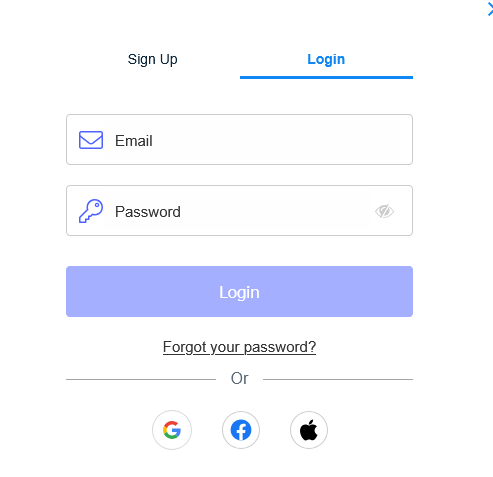
Alternatively, if you used Google when you registered. Facebook or Apple account, you can select the appropriate option, and you will need to enter the appropriate third-party account credentials. We generally do not recommend using this option when registering an account with a forex broker.
Login to AvaTrade account via Mobile App
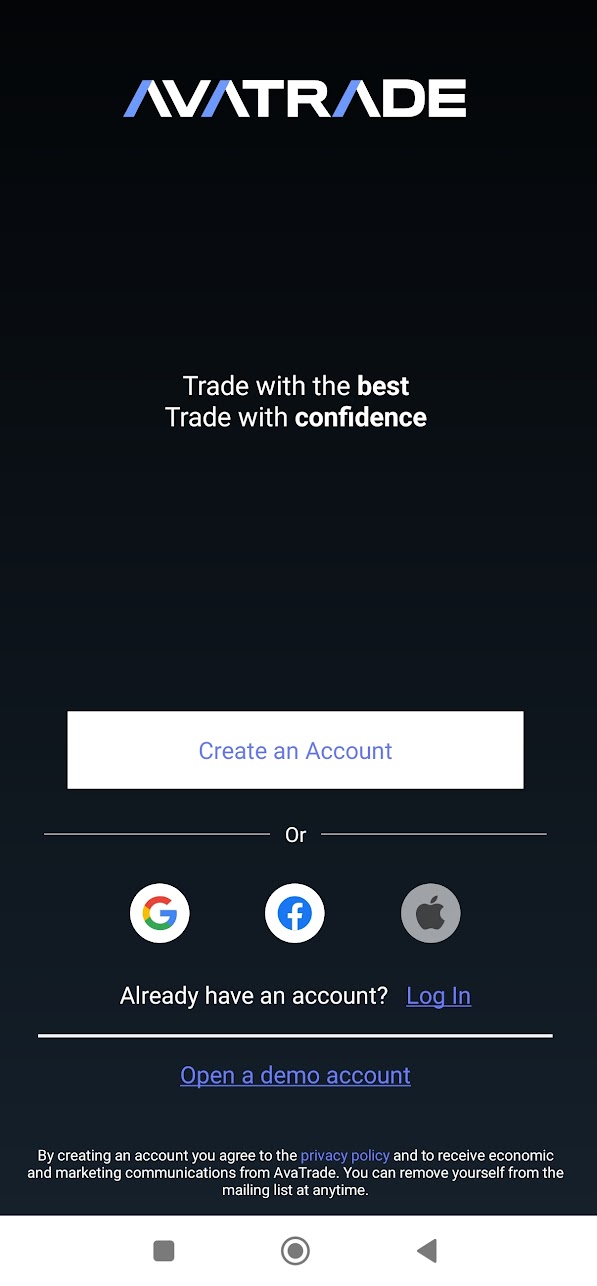
When you first open the app, a screen initially opens that allows you to register a new live or demo account. To log into an existing account, click the Already have an account? Log in.
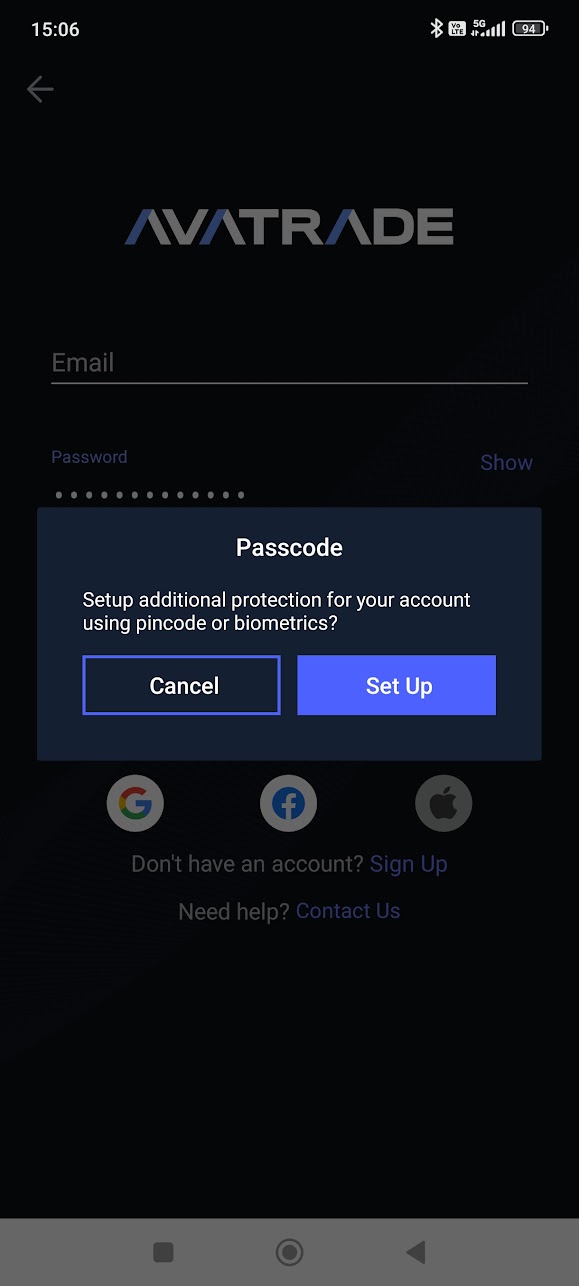
The next screen prompts you to set up additional security via pincode or biometrics. This can also be changed later via the app settings.
At this point, you can now enter your email and password to log into the app for the first time. If you’ve opted to create an account via Google, Facebook or an Apple account, select the appropriate option and enter the required credentials.
On subsequent app launches, logging in becomes automatic unless you have selected other settings.
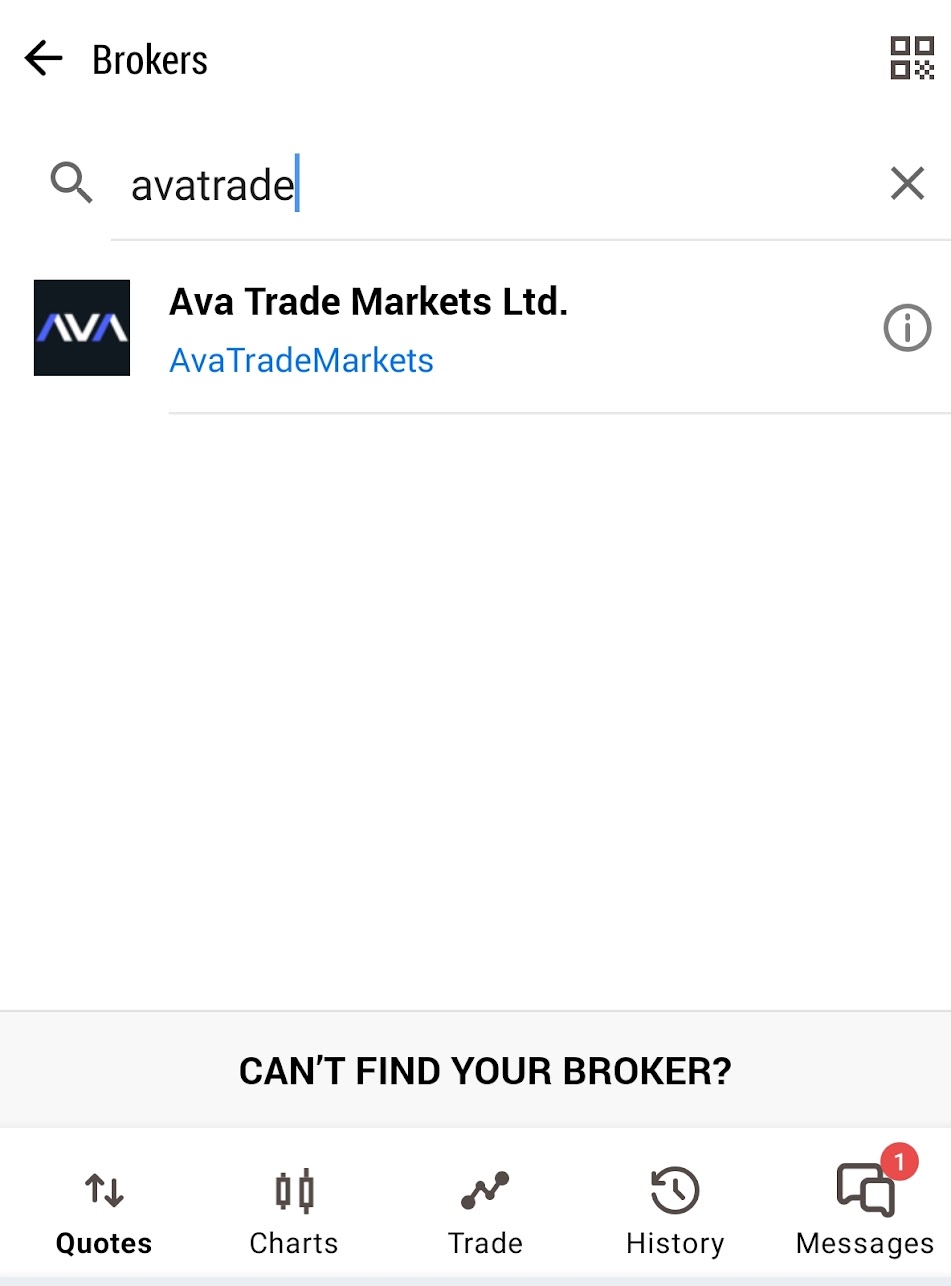
To log in to your MetaTrader 4 (МТ4) ор MetaTrader 5 (MT5) trading account with this broker, you must first download the МТ4/MT5 mobile app from Google Play or Apple Store. The first time you download the app, you are required to agree to the Terms of Use. Once you do, an option to register a MetaTrader demo account appears. When you close this window you get to the menu where you need to enter the name of the broker you registered an account with.
Once you have selected the relevant option, you need to enter your MetaTrader account number and the corresponding trading password, which is provided by the broker. After that, you just need to press Sign In. The МТ4/MT5 mobile apps allows you to manage multiple trading accounts with different brokers. When launching the application, you need to select the account for the respective broker.
Forgotten password?
The most important rule for online security of your personal data is to use different passwords for your accounts on websites, emails, platforms and so on. This is especially important for accounts through which you manage funds.
This, of course, leads to the risk of forgetting or getting wrong the password you need to log in to a particular online account. Since it’s not advisable or convenient to keep your passwords written down in a notebook, many people use password managers or the built-in functionality of modern browsers and mobile apps to remember your login credentials and enter them automatically. But it also poses security risks, and it doesn’t work if you need to log in from a new device and you’ve forgotten your password.
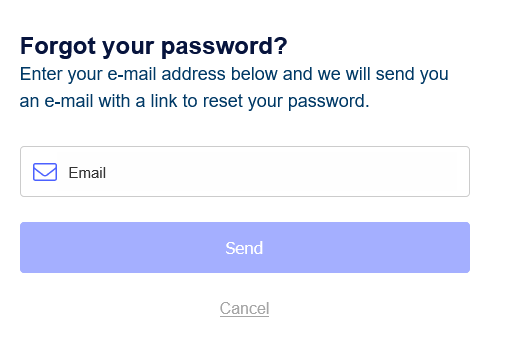
If you find yourself in this situation with your AvaTrade account, click the Forgot your password link located on the login screen. In the screen that opens, you must enter your username and email and click Send. You will receive an email containing a link and instructions to create a new password. There is no option to recover a forgotten username. In this case, or if you do not have access to your email, you should contact customer support.


