




Eightcap Trading Platforms: MT4 vs MT5
Eightcap offers clients a classic combination of the MetaTrader 4 (MT4) and MetaTrader 5 (MT5) platforms. The broker also offers the ability to integrate your trading account into the popular platform with elements of the TradingView social network.
MetaTrader 4 (MT4) and MetaTrader 5 (MT5) are among the most widely used trading platforms in the forex and CFD markets, developed by MetaQuotes Software. MT4, launched in 2005, quickly established itself as the industry standard due to its intuitive interface, advanced technical analysis tools, and automated trading capabilities. Despite the release of MT5 in 2010, many traders continue to prefer MT4 because of its simplicity, widespread broker support, and compatibility with thousands of custom indicators and Expert Advisors (EAs).
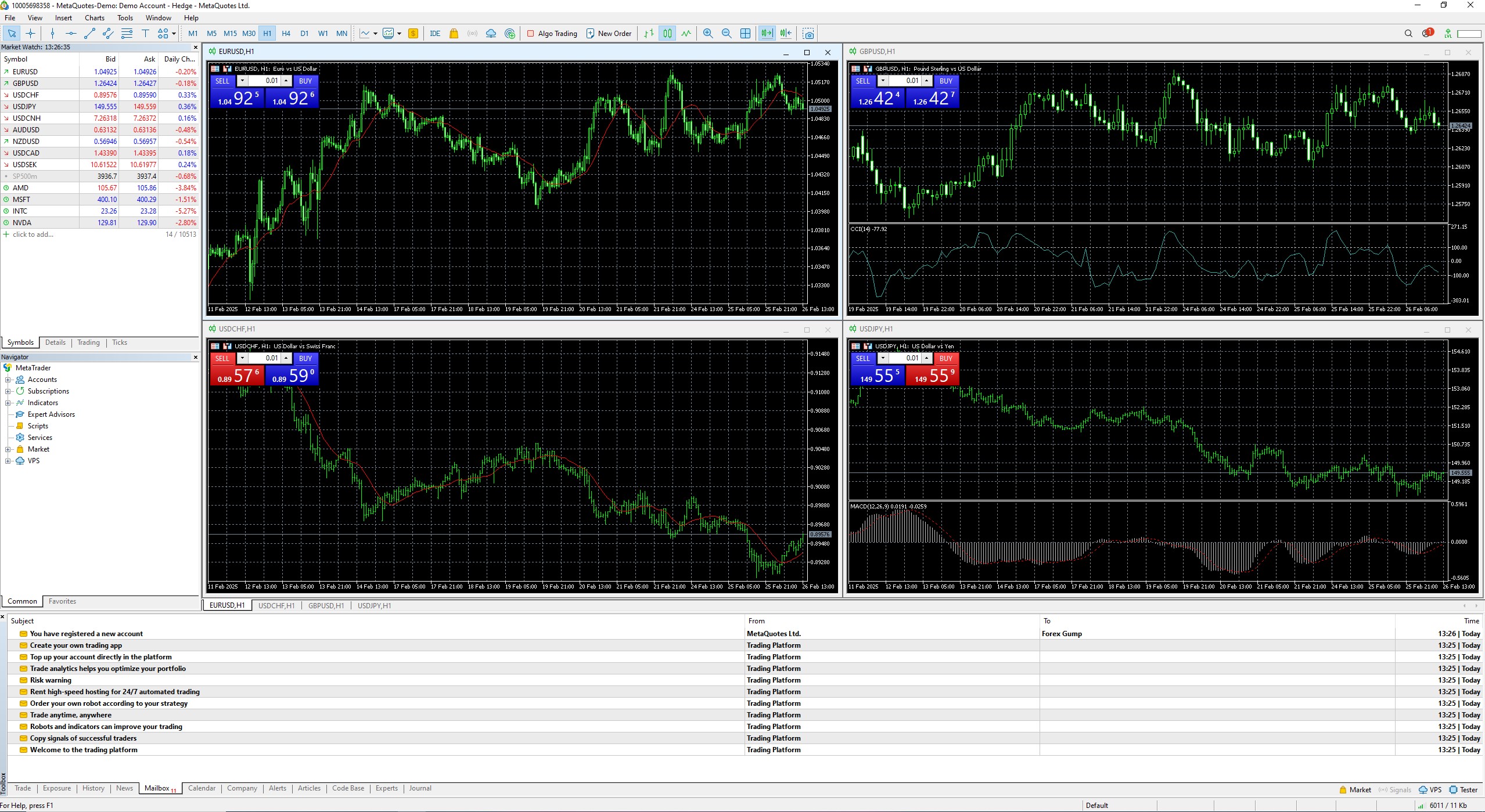
One of the key reasons MT4 remains dominant is its specialization in forex trading. The platform was designed specifically for forex and CFDs, offering a streamlined experience with essential charting tools, built-in indicators, and the ability to execute trades efficiently. Its MQL4 programming language supports automated trading through EAs, allowing traders to develop and deploy algorithmic strategies. MT4 has built a vast ecosystem of third-party tools, including thousands of free and paid indicators, scripts, and trading bots, which keeps traders loyal to the platform. Additionally, since MT4 is less resource-intensive than MT5, it runs efficiently on most computers and networks, making it an accessible choice for traders worldwide.
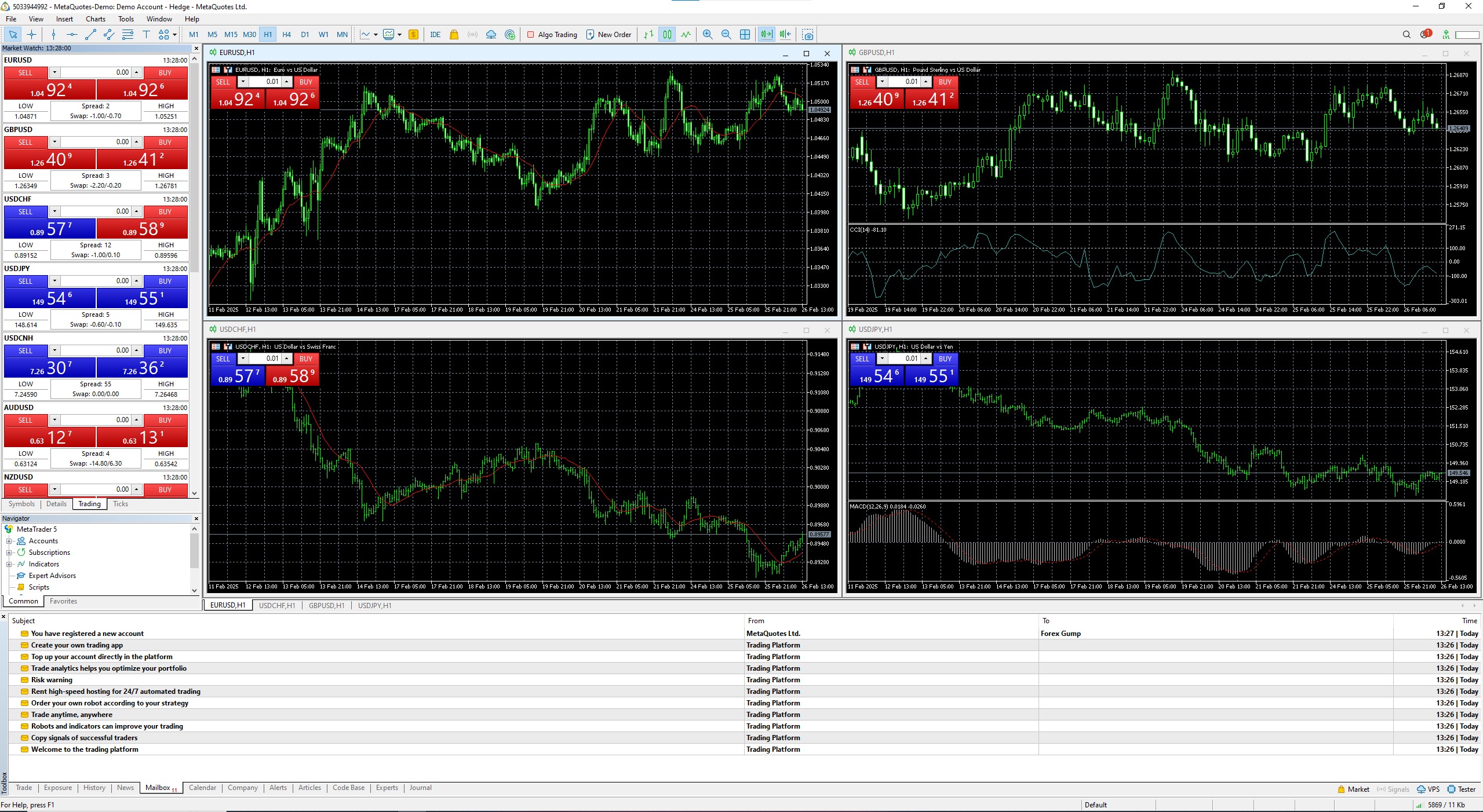
MT5 was introduced as a more advanced multi-asset platform designed not only for forex but also for stocks, commodities, futures, and other asset classes. It features additional order types, a wider range of built-in indicators, more advanced timeframes, an integrated economic calendar, and enhanced order execution speed. The platform’s MQL5 programming language is more sophisticated and allows for greater customization and faster execution of trading scripts. Despite these improvements, many traders have been reluctant to switch from MT4 to MT5 due to differences in coding structure—MQL4 and MQL5 are not backward compatible, meaning EAs and indicators built for MT4 cannot be directly used in MT5. Additionally, since MT5 was initially designed to comply with non-hedging market regulations, it did not support hedging at launch, though later updates reinstated this functionality. However, by the time this was addressed, MT4 had already cemented its position as the preferred platform for retail forex traders.
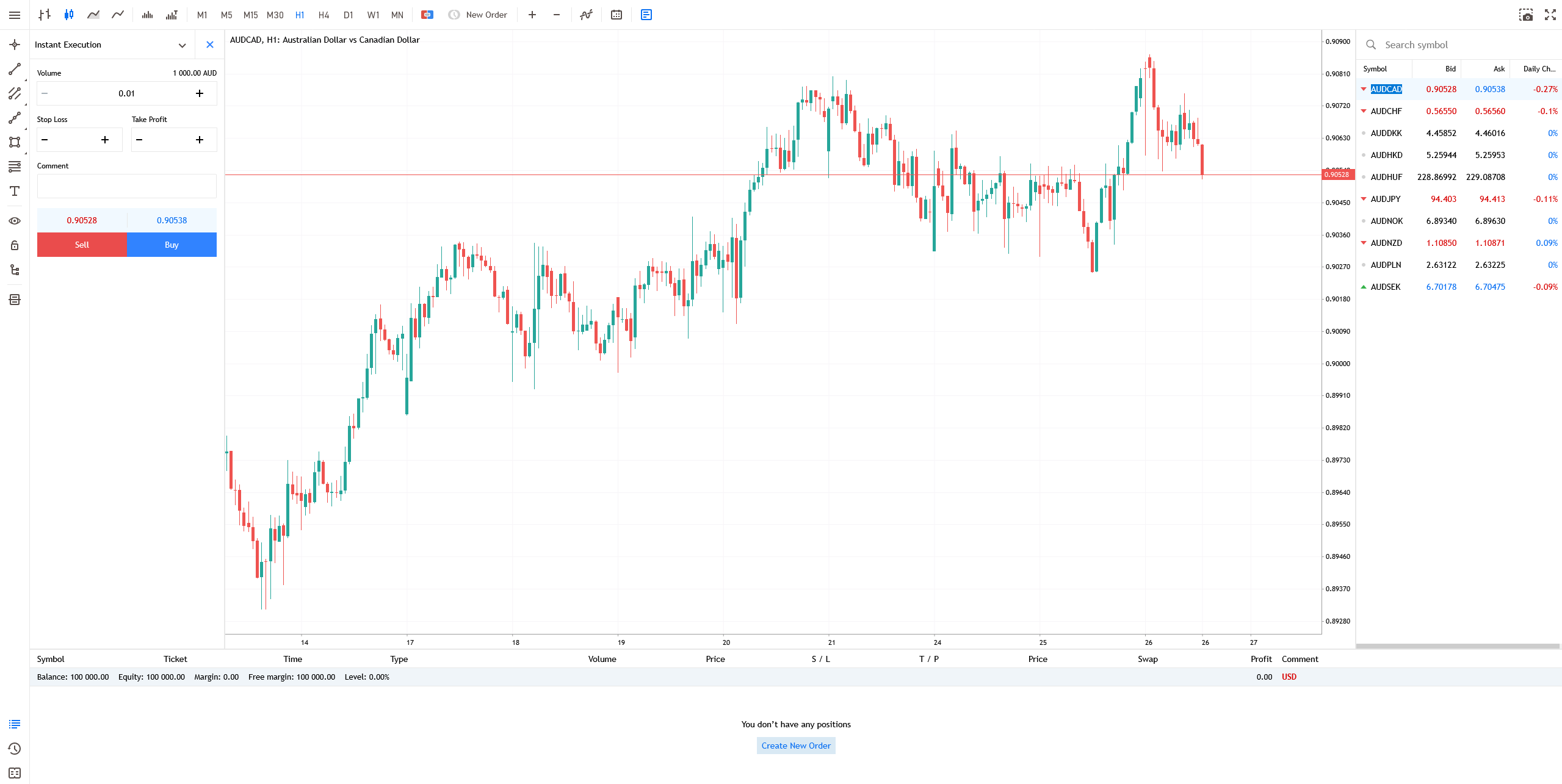
Both MT4 and MT5 are available in desktop, web, and mobile versions, each with its own set of functionalities. The desktop versions offer the most complete trading experience, providing full access to automated trading, custom indicators, and advanced charting tools. The web versions are more limited, allowing traders to execute trades and analyze basic market movements without requiring software installation, but they lack full support for EAs and complex customizations. The mobile versions of MT4 and MT5, available on both iOS and Android, provide basic trading functionalities, including market execution, pending orders, and some charting tools. However, mobile versions do not support automated trading, making them more suitable for monitoring and executing trades rather than for detailed market analysis or strategy testing.
While MT4 and MT5 dominate the forex trading landscape, another increasingly popular platform is TradingView. Unlike MetaTrader, which is broker-dependent, TradingView is a web-based charting and social trading platform that provides advanced technical analysis tools, live market data, and community-driven trading ideas. It is widely used by traders across different asset classes, including forex, stocks, cryptocurrencies, and futures.
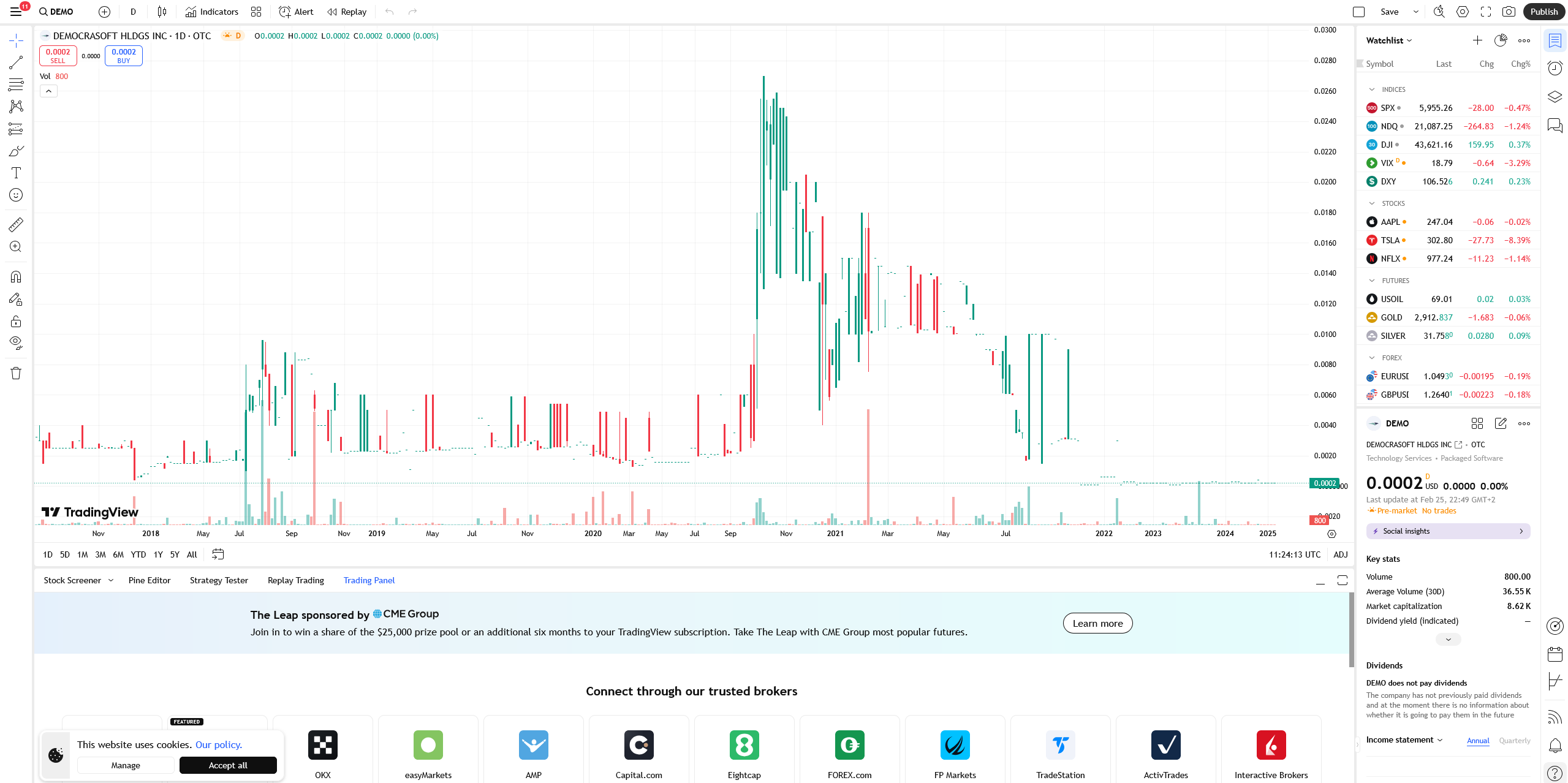
TradingView offers an intuitive and visually appealing interface with a vast selection of customizable indicators and drawing tools. Additionally, it supports scripting through its proprietary Pine Script language, allowing traders to develop custom strategies and indicators. Unlike MT4 and MT5, which require direct broker integration, TradingView is accessible via web browsers and mobile apps, making it a flexible and widely adopted platform for traders who focus on technical analysis and multi-market trading.
The following table provides a comparison of the key technical features of MT4, MT5, and TradingView:
| Feature | MetaTrader 4 (MT4) | MetaTrader 5 (MT5) | TradingView |
| Release Year | 2005 | 2010 | 2011 |
| Asset Classes | Forex, CFDs | Forex, Stocks, Commodities, CFDs, Futures | Forex, Stocks, Crypto, Futures, Indices |
| Programming Language | MQL4 | MQL5 | Pine Script |
| Automated Trading (EAs) | Yes | Yes | Limited (via Pine Script) |
| Timeframes | 9 | 21 | Unlimited (Customizable) |
| Built-in Indicators | 30+ | 80+ | 100+ |
| Custom Indicators | Yes (MQL4) | Yes (MQL5) | Yes (Pine Script) |
| Order Execution Types | 3 | 4 | Market Orders Only |
| Economic Calendar | No | Yes | Yes |
| Market Depth (DOM) | No | Yes | Yes |
| Web Version | Yes (Limited) | Yes (Limited) | Yes (Full Functionality) |
| Mobile Version | Yes | Yes | Yes |
| Hedging Support | Yes | Yes (Updated) | No |
| Social Trading | No | No | Yes (Community-Based) |
| Broker-Dependent | Yes | Yes | No |
MetaTrader 4 remains the go-to platform for forex traders who prioritize familiarity, simplicity, and strong support for algorithmic trading. MetaTrader 5, while more powerful and capable of handling multiple asset classes, has faced slow adoption among forex traders due to differences in coding language and its initially restrictive features. TradingView, on the other hand, has gained traction among traders who rely heavily on advanced charting and social trading features but do not necessarily require broker integration or automated trading capabilities. The choice between these platforms ultimately depends on the trader’s specific needs, whether they prioritize algorithmic trading, advanced charting, or multi-asset analysis.


