
PrimeXBT Login – Sign in to your trading account
Managing a registered and verified account with a broker like PrimeXBT naturally involves logging into the user dashboard. This dashboard serves as the central hub for account management, deposits, withdrawals, and accessing trading platforms. While logging into an account might seem like a straightforward process, akin to signing into any online service, there are important nuances to consider—especially when dealing with a financial services provider where security, accessibility, and functionality are paramount.
PrimeXBT provides access to its dashboard across multiple devices—desktop, mobile phones, and tablets—ensuring flexibility for traders to manage their accounts and trade on the go. However, the process and features available vary slightly depending on the device
Login to PrimeXBT account via Desktop
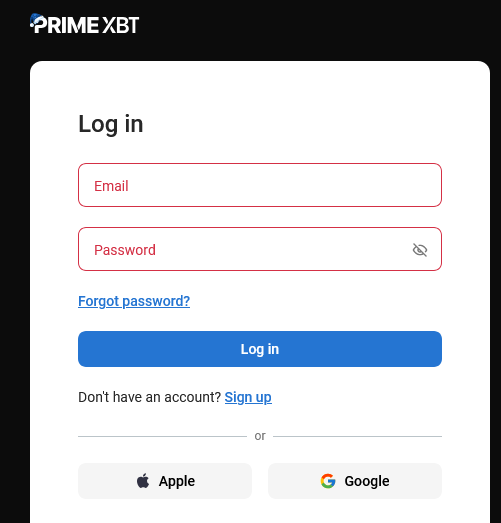
Logging into an account via the PrimeXBT website is straightforward and intuitive enough. All you need to do is click the Log In button, located in the top right corner of the interface, between the new account registration button and the language selection drop-down menu.

In the screen that opens, enter your email and the password you chose when you registered. Then click Continue and you will be logged into the dashboard of the website. You also have the option to log in with a Google or Apple account if you used this option when registering.
Login to PrimeXBT account via Mobile App
The PrimeXBT mobile app has the full functionality of the Client Area of the website and is available for Android and iOS devices.
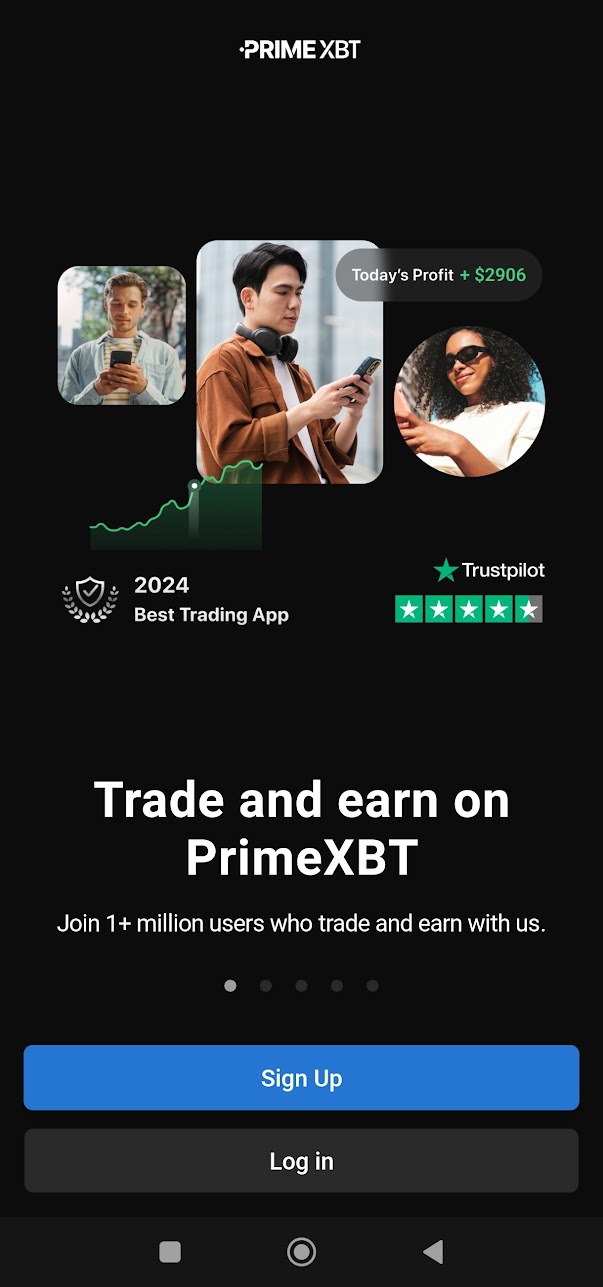
Once you install the app on your mobile device, there are some peculiarities when you first launch it. When you first open the app, you must first choose between creating a new account and logging into an existing account. Subsequent launches of the app will log you in automatically.
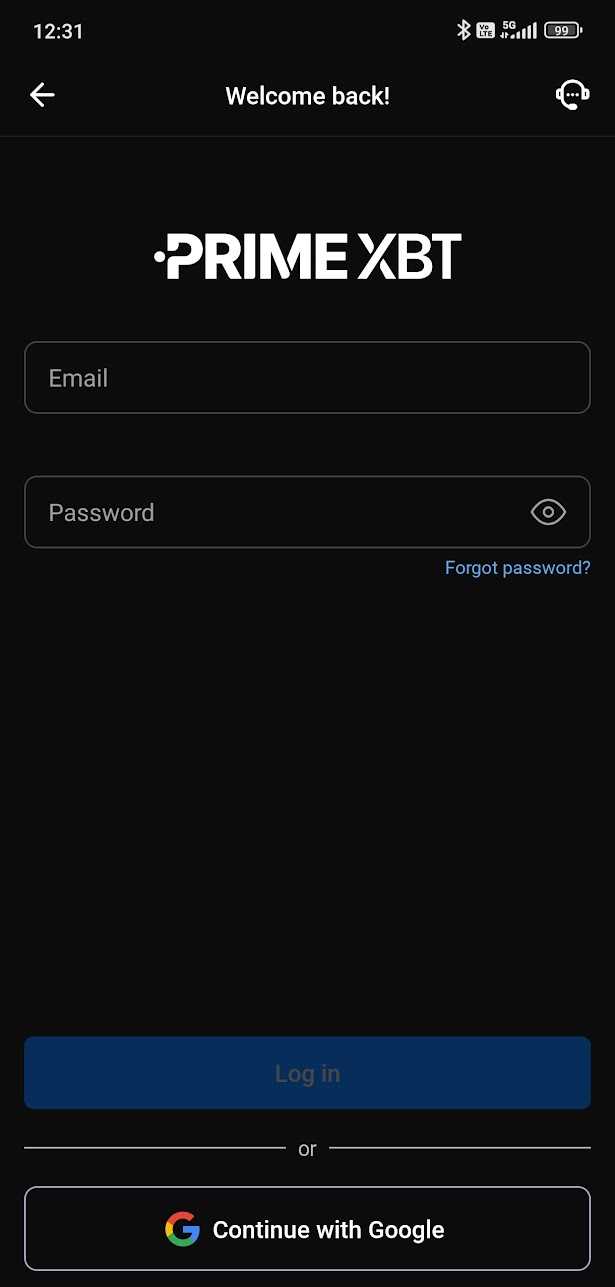
After entering your email and password click Log in, or continue with your Google or Apple account. Unlike logging into the website, only one of the two options is available depending on whether your device is running an Android or iOS operating system.
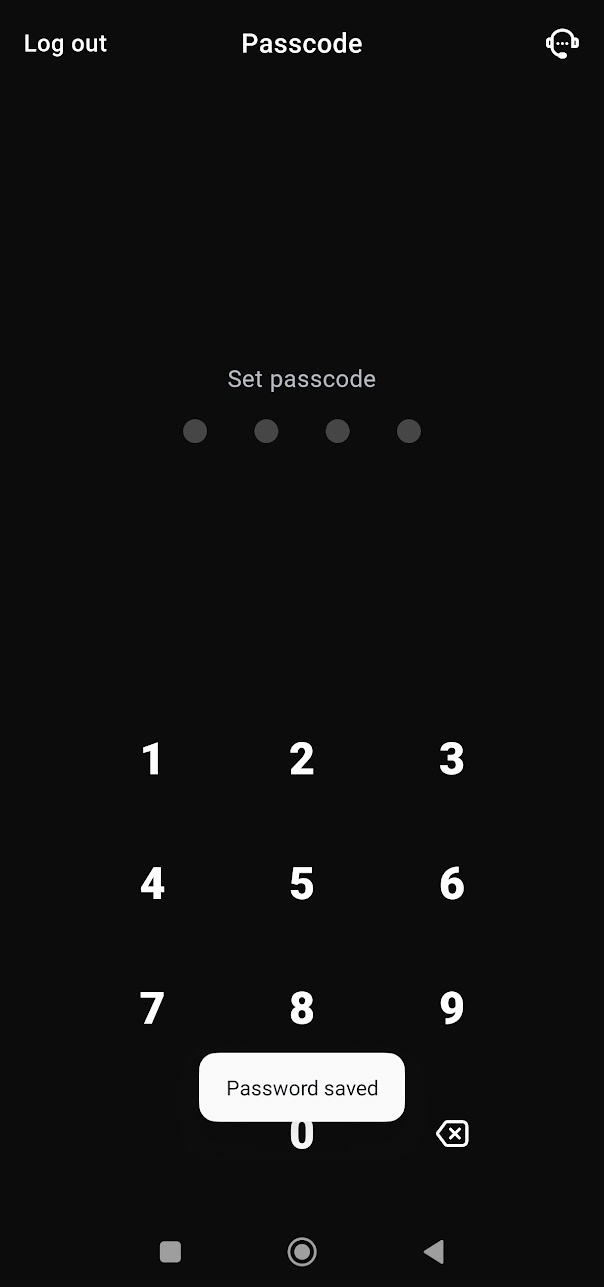
The first time you log in, you must also create a passcode that must be entered when logging in for added security. If you’d like you can enable biometric authentication instead – so instead of a passcode, logging into the app will require a fingerprint or Face Unlock.
Forgotten password?
The most important rule for online security of your personal data is to use different passwords for your accounts on websites, emails, platforms and so on. This is especially important for accounts through which you manage funds.
This, of course, leads to the risk of forgetting or getting wrong the password you need to log in to a particular online account. Since it’s not advisable or convenient to keep your passwords written down in a notebook, many people use password managers or the built-in functionality of modern browsers and mobile apps to remember your login credentials and enter them automatically. But it also poses security risks, and it doesn’t work if you need to log in from a new device and you’ve forgotten your password.
If you find yourself unable to remember your password for your PrimeXBT, you can create a new password. This requires that you have access to the email you used when you registered for an account. On the login screen, click the “Forgot password?”.
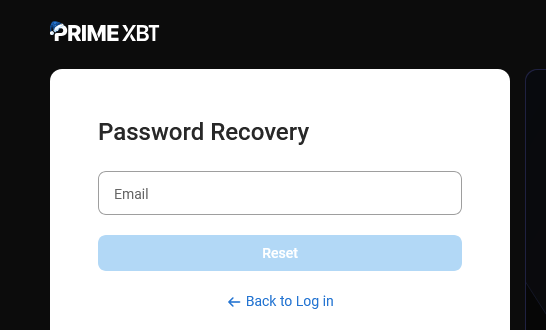
In the next screen, enter your email and click Reset. You will receive an email with a PIN that must be entered to get to the option to create a new password.