




OnEquity Login – Sign in to your trading account
Once you have registered and verified your account, logging in to OnEquity is the gateway to managing your profile, funding your account, and accessing trading platforms. The broker’s login process is built around two priorities: simplicity for the user and robust security to protect client data.

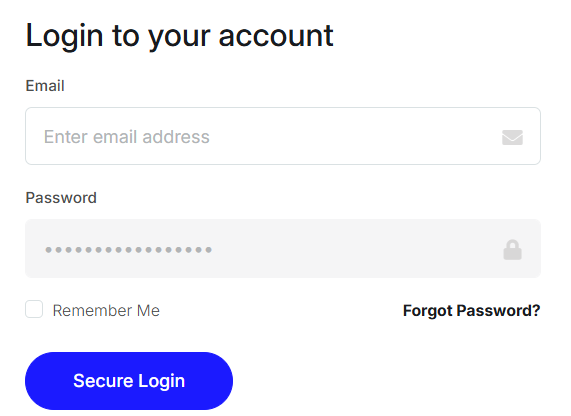
To begin, traders visit OnEquity’s official website and select the Client Portal button. From there, access is granted using either the email address or mobile number provided during registration, alongside a password. The system recognizes both login methods, giving traders flexibility.
The Client Dashboard
After successful login, users land on a centralized dashboard. This interface is designed as a control hub for all trading activities. From here, traders can:
- Review balances and transaction history
- Deposit or withdraw funds
- Open new demo or live accounts
- Access their chosen trading platform (desktop, web, or mobile)
- Update personal details and manage account preferences
The layout is intuitive, ensuring that even beginners can quickly locate key functions without navigating complex menus.
Handling Login Problems
Despite its simplicity, login issues can arise. OnEquity has implemented standard troubleshooting options:
- Forgotten password – Use the “Forgot Password” link, confirm your registered email or phone, and set a new password via the secure reset link.
- Incorrect details – Ensure caps lock is disabled and that you are using the same credentials registered with the broker.
- Account lockout – Several failed attempts can trigger a security lock. In this case, contact customer support and be prepared to verify your identity.
- Technical errors – If the portal fails to load properly, try switching devices, clearing your cache, or updating your browser.
Security Best Practices
OnEquity emphasizes safe account access, but responsibility also lies with the trader. To enhance protection:
- Create strong passwords with numbers, symbols, and mixed case letters.
- Avoid reusing old passwords.
- Log in only through the official OnEquity website (look for the “https” and padlock icon).
- Update credentials regularly and never save them on shared devices.
The login process at OnEquity is straightforward, flexible, and aligned with industry standards. By supporting multiple login methods and providing an easy-to-use dashboard, the broker ensures that traders can access their accounts efficiently. Troubleshooting and recovery options are in place, making it possible to resolve common issues quickly.
For traders, this means a smooth and reliable entry point into their accounts, provided they follow security best practices. While the process itself is standard, its effectiveness lies in its simplicity — a feature that both new and experienced clients will appreciate.


