




FxPro Mobile App: iOS and Android download
FxPro is a broker that strives to be relevant to the demands of the times. This includes providing the ability to fully manage every aspect of your trading experience via a mobile device.
FxPro’s own mobile app is available for Android and iOS devices. The app has over one million downloads and thousands of mostly positive reviews, giving confidence in the high quality of not only the app itself, but also the broker’s services.
The FxPro mobile app has all the functionality needed to register new demo or live accounts and manage existing ones. Through the app you can manage your finances by depositing, withdrawing and transferring between individual trading accounts. The app also gives you access to an economic calendar and other tools.
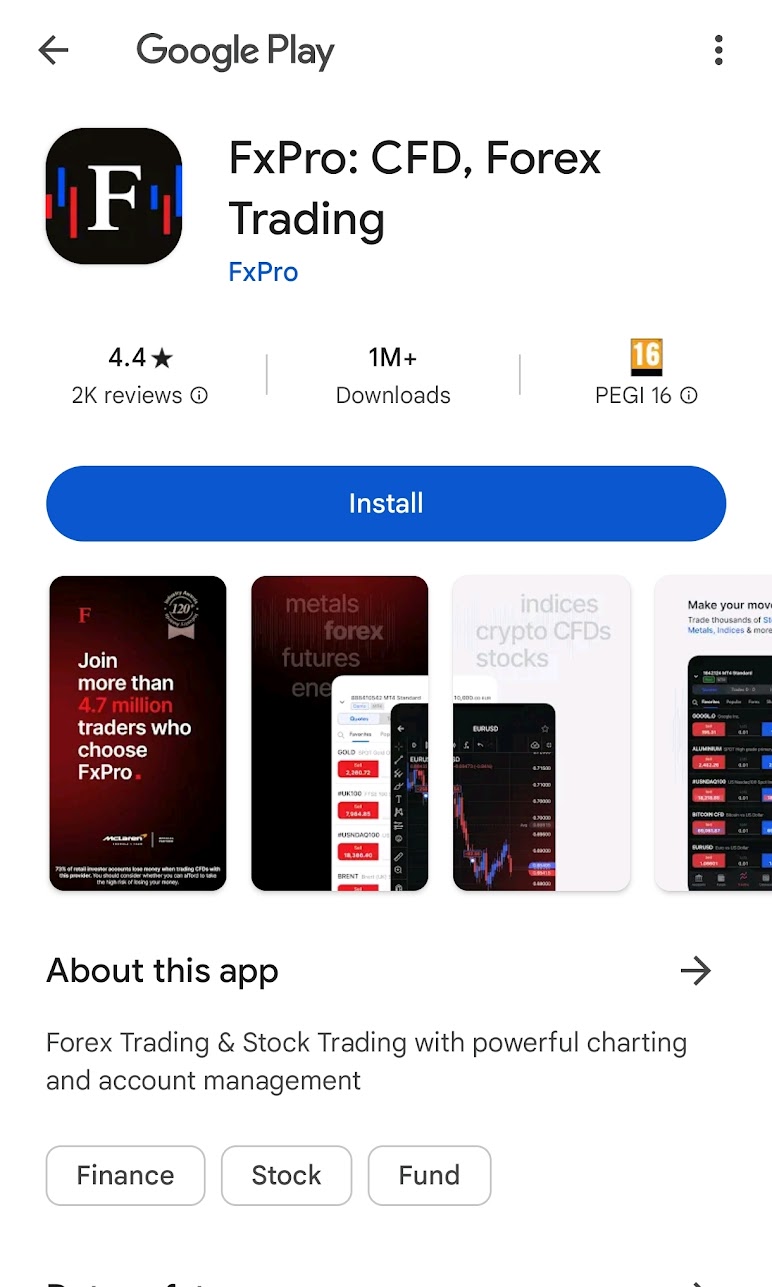
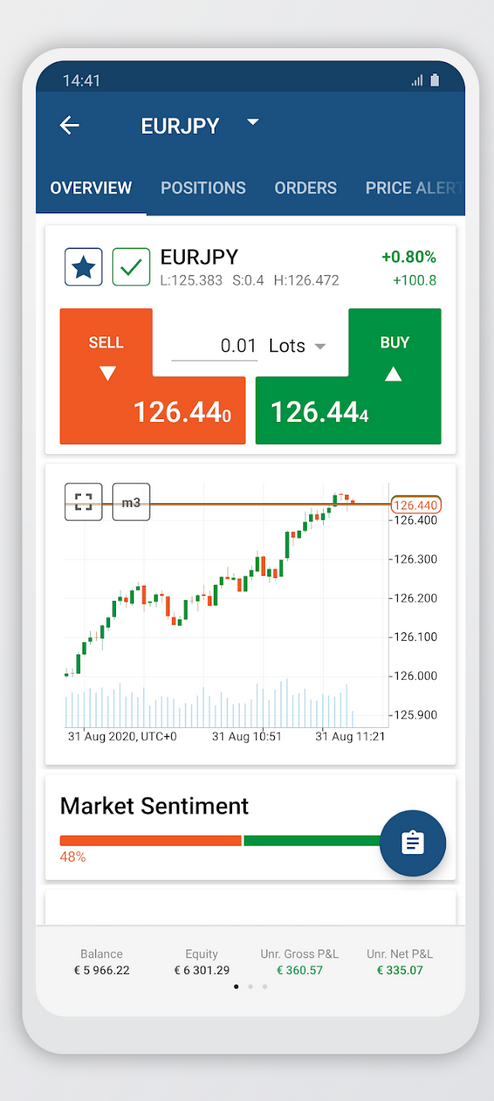
If you have MetaTrader accounts with this broker, you can also manage your trading activities through the app. The app incorporates a full-featured version of FxPro’s proprietary web trading platform, which has a very intuitive and easy-to-navigate interface, as well as a significant set of charting tools.
For a forex and CFDs broker, having a proprietary mobile app offers several significant benefits. A proprietary mobile app allows traders to access the broker’s trading platform anytime, anywhere, as long as they have an internet connection. This level of accessibility enables traders to stay updated on market movements and execute trades promptly, even when they are on the go. A well-designed mobile app provides traders with a seamless and user-friendly interface optimized for mobile devices. This enhances the overall trading experience, making it easier for traders to navigate through different features, execute trades, and manage their accounts efficiently. With a proprietary mobile app, brokers can engage with their clients more effectively by sending push notifications about market updates, trading signals, and promotional offers. This helps keep traders informed and engaged, encouraging them to remain active on the platform. A mobile app allows brokers to tap into new market segments, including younger traders who are more inclined to trade on mobile devices. By catering to the preferences of mobile-centric traders, brokers can expand their market reach and attract a broader audience. Mobile apps enable traders to react quickly to market developments and capitalize on trading opportunities in real-time. This agility is particularly crucial in fast-paced markets where timely execution can make a significant difference in trading outcomes.
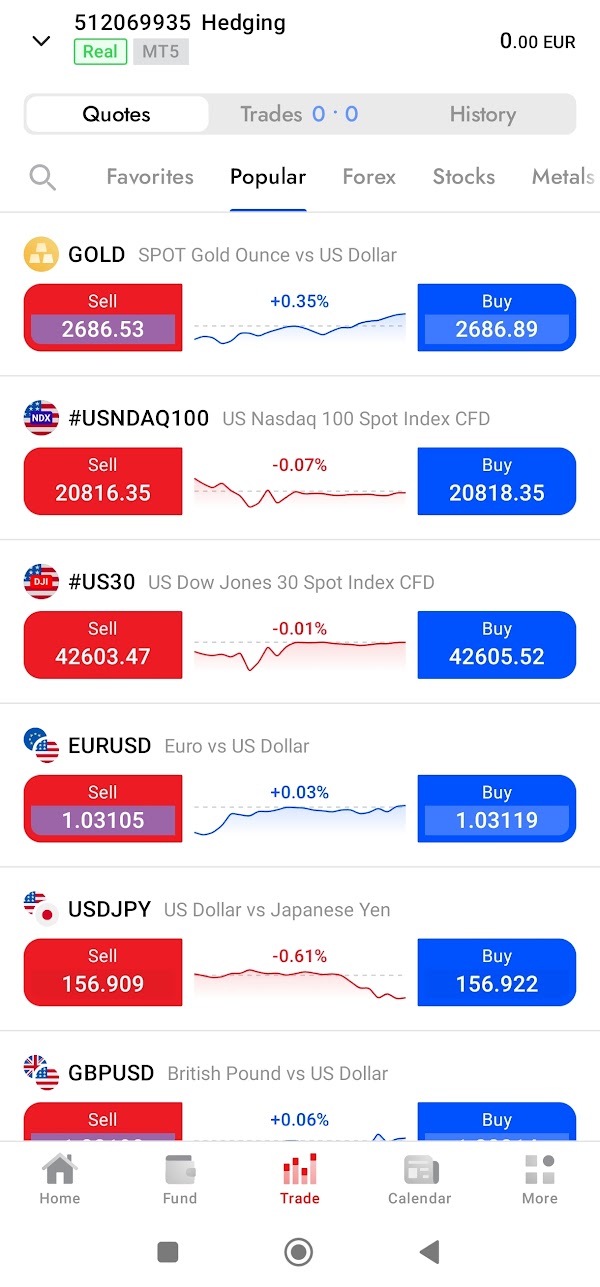
Of course, you can also manage your MetaTrader accounts through the separate MT4 and MT5 applications. If you have a cTrader account with FxPro you can manage trading activities solely through the cTrader mobile app.
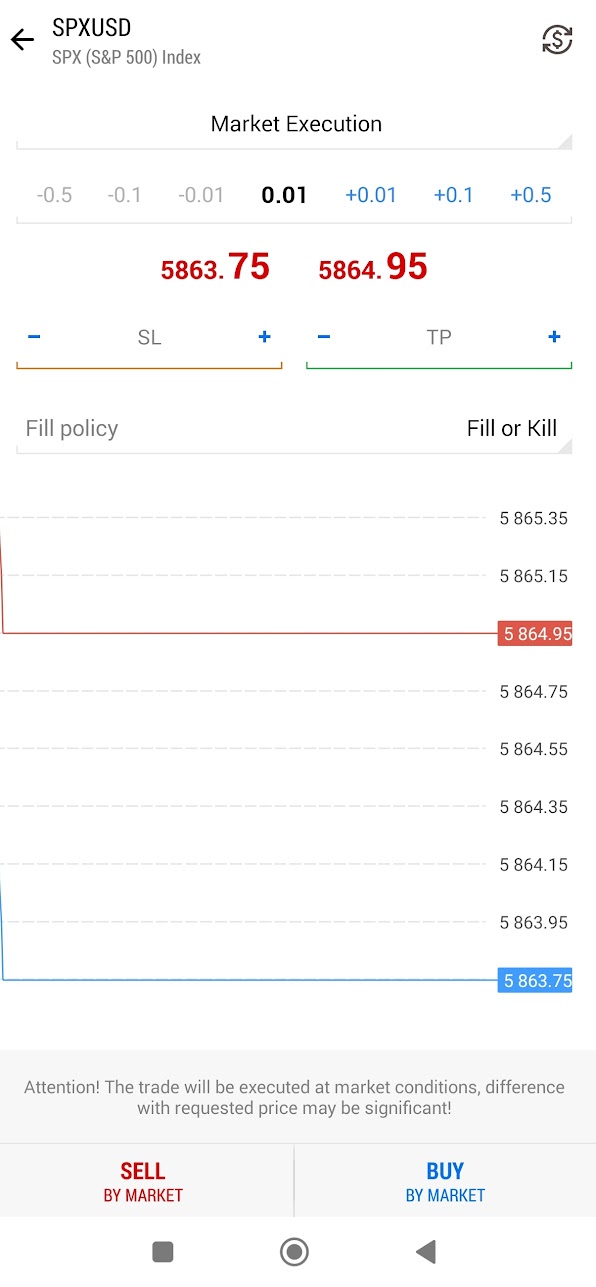
The mobile apps for MetaTrader 4 (MT4), MetaTrader 5 (MT5), and cTrader are streamlined versions of their desktop counterparts, designed to enable traders to access markets and manage trades while on the move. However, there are notable differences in functionality between the mobile and desktop versions of each platform, as well as distinctions between the mobile apps themselves.
Starting with MT4, the mobile app offers essential trading features, such as real-time quotes, basic order types (market, limit, and stop orders), and access to charts and indicators. Traders can view price movements across nine timeframes and utilize around 30 built-in technical indicators. However, compared to the desktop version, the mobile app lacks advanced charting tools, custom indicators, and the ability to use Expert Advisors (EAs) for automated trading. Customization options for chart layouts are also limited, and there’s no access to desktop-specific features like backtesting or multi-screen setups.
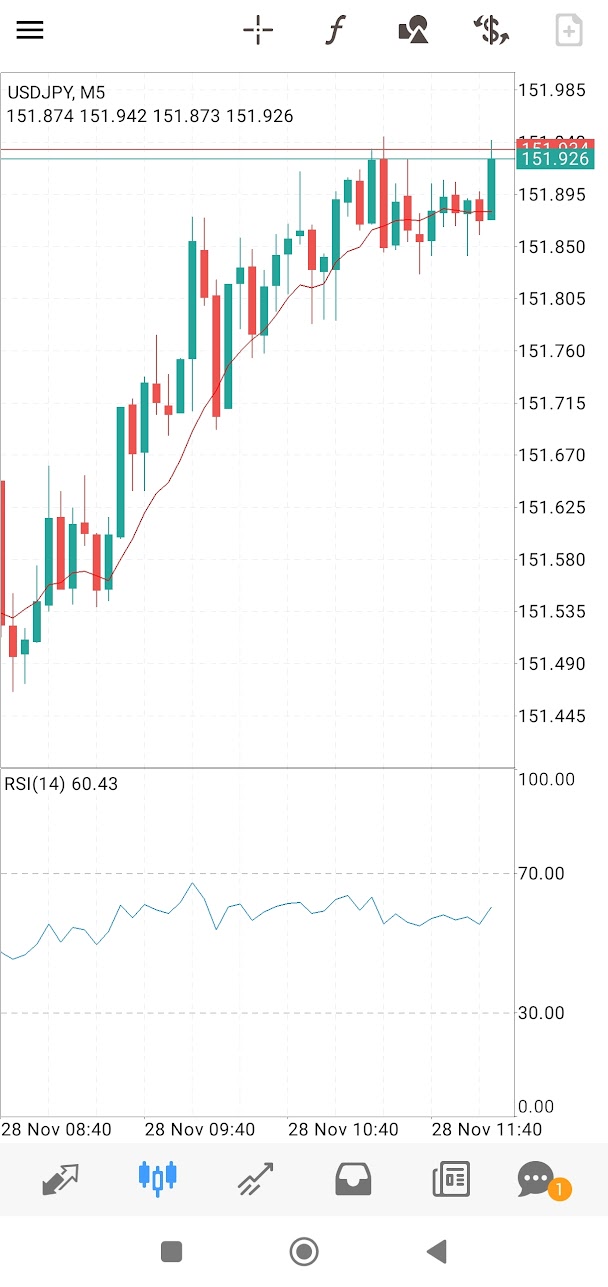
The MT5 mobile app builds on MT4 by offering a more extensive feature set. It provides access to 21 timeframes, Depth of Market (DOM), and a larger library of built-in indicators, making it more comprehensive for technical analysis than the MT4 mobile app. While it supports more order types than MT4 (including stop-limit orders), the MT5 mobile app also falls short of its desktop version in several areas. It does not allow traders to run or test custom Expert Advisors or conduct the detailed backtesting available on the desktop platform. Multi-chart functionality is also more limited, as the mobile interface is optimized for single-screen use.
The cTrader mobile app offers a modern and highly intuitive interface, aligning closely with its desktop version in terms of design and usability. It supports a wide variety of order types, including trailing stops and break-even orders, which are not available on the MT4 and MT5 mobile apps. The cTrader mobile app provides access to multiple timeframes and over 70 technical indicators, making it one of the most robust apps for technical analysis. However, like MT4 and MT5, it does not allow for full algorithmic trading or advanced strategy development directly on the mobile platform. cTrader’s mobile version also includes unique features such as detachable charts and synced watchlists, though it lacks the multi-screen support and full customizability of its desktop counterpart.
Differences Between Mobile and Desktop Versions
Across all three platforms, automation is a significant area where the mobile apps fall short compared to desktop versions. Neither MT4, MT5, nor cTrader mobile apps support running Expert Advisors (EAs) or automated strategies, a critical feature for algorithmic traders. Similarly, strategy backtesting and optimization tools available on desktop versions are absent in mobile apps.
Charting and analysis capabilities are also more basic on mobile platforms. While mobile apps provide essential technical indicators and drawing tools, they lack the advanced charting functionalities, custom indicators, and multi-chart setups offered by desktop versions. The smaller screen size and touch interface further limit the usability of certain analytical tools that are more practical on a larger monitor.
Customization is another area of limitation for mobile apps. Desktop platforms allow extensive customization of chart layouts, indicator parameters, and workspace organization, while mobile apps prioritize simplicity and ease of use, offering fewer options to tailor the interface.
Despite these limitations, the mobile apps for all three platforms are well-suited for traders who need to monitor markets, execute trades, and manage positions on the go. For comprehensive analysis, strategy development, and automation, the desktop versions remain indispensable. The differences in functionality highlight the complementary role of mobile apps as a tool for quick access rather than a full replacement for the more powerful desktop trading experience.


